
Cutting the Branch AI Video Generator: Branch Fail
Cutting the Branch AI turns one clear photo of a person or pet into a riverside tree branch fail. The subject saws or chops the branch they are sitting on, the branch snaps, and both tumble into the water below.
Solo · 1 photo · Vertical 9:16
- 1Cast your characters
- 2Output format
- 3Your video
Cutting the Branch AI

A subject sits on a thin tree branch above a river, chops through the branch beneath them, and falls into the water when it snaps. This is the scene recreated by Cutting the Branch AI.
Your video
Your completed video will appear here after generation finishes.
How to Make a Cutting the Branch AI Video in 3 Steps
Cutting the Branch AI is a one-photo visual joke. You do not need a real tree, a saw or a written prompt. The fixed scene supplies the riverside setting, chopping motion, snap and fall; your photo decides who makes the bad decision.
Step 1: Upload one photo
Choose one clear photo of yourself, another consenting adult or a pet you are responsible for. Add it to the Your photo slot above. A single subject facing the camera gives Cutting the Branch AI a clean reference for the face, hair, coat, markings and outfit. Do not upload a group photo and expect the generator to guess which person or animal should appear.
Step 2: Generate the branch fail
Check the image and press Generate. One Cutting the Branch AI generation costs 100 credits. The template keeps the reference action fixed while replacing the subject: they sit on a thin riverside tree branch, saw or chop the section beneath them, and fall into the river when it breaks. There is no prompt field because the timing, camera and branch fail are already configured.
The render creates a 10-second video at 480p in vertical 9:16. Progress appears on the page, and the finished result is saved to My Videos, so you can leave the template page while it processes and return to review it later.
Step 3: Download and share
Watch the entire result before downloading and check that the subject remains recognizable. The file has no soundtrack, so add licensed music or effects inside the app where you post. Label public posts as AI-generated rather than presenting the tree branch fail as real footage.
Photo Requirements: Which Photo Works Best?
The cutting the branch filter uses one input for either a human or a pet. It does not need a real riverside photo; the template supplies the tree, water and camera. What matters is a clear view of the intended subject. A sharp source gives branch fail AI more useful detail to carry through the seated pose, chopping action and fall.
For a person, choose a current front-facing or three-quarter photo with the face, hairstyle and clothing visible. A waist-up or full-body image is preferable to a tiny face crop. For a pet, use a photo with the eyes, muzzle, ears and coat markings unobstructed. Dogs and cats with a distinct outline usually read more clearly than an animal hidden under a blanket or behind furniture.
Only use an adult photo you own or have permission to use. Do not upload children, celebrities, public figures or strangers. For a pet, use an animal in your care or one whose owner approved the image.
- Keep one human or one pet in the frame, with no second face or animal nearby.
- Use even daylight or soft indoor light and avoid deep shadows across the face.
- Choose a sharp image without motion blur, beauty filters, sunglasses or face-covering props.
- Keep the head, hair or ears and as much of the body outline visible as possible.
- Use a simple background so the subject is easy to separate from furniture, foliage or other objects.
- Upload JPEG, PNG or WebP, with one file no larger than 10 MB.
What Is the Cutting the Branch AI Trend and Where Did It Start?
The idea is older than any AI video template. Its familiar lesson is the proverb “Don't cut the branch you're sitting on”: do not destroy the support, relationship or system that your own position depends on. A cartoon or clip makes the warning literal by showing someone sawing off the branch between themselves and the trunk, then discovering the consequence a moment too late.
The MakeViral template page traces the visual meme through a YouTube Short dated May 9, 2021 and an X post from @allreactionvids dated December 25, 2023. Those examples predate the current cutting the branch AI trend and show that the branch gag already circulated as a reaction meme before one-photo AI remakes appeared.
Competitor template pages describe a new wave in late October 2026 and often connect it to an Instagram Reel. No verified original Reel URL was available for this page, so TrendMeIn does not name a creator, embed an Instagram post or repeat unverified view totals as fact. The cautious timeline is that older branch-cutting memes existed by 2021 and 2023, while AI template pages began describing a renewed format in late October 2026.
You may see the format called cutting the branch AI trend, cutting the branch you're sitting on, cutting the branch filter, branch fail AI, riverside branch chop, tree branch fail or sawing off the branch you sit on. The wording changes, but the setup remains the same: the subject removes their own support and realizes the mistake only when the branch gives way.
The proverb makes the scene readable without dialogue: viewers see the decision and anticipate the fall. Cutting the Branch AI adapts that structure into a fixed 10-second remake rather than claiming to reproduce a particular social post.
Cutting the Branch AI Beat by Beat
Opening beat: the subject sits on a thin tree branch over a river. The bank, water and branch establish the risk. Cutting the Branch AI casts the person or pet in your photo while keeping the setup and vertical framing fixed.
The decision: the subject saws or chops the branch between themselves and the trunk. That position creates the cutting the branch you are sitting on joke, letting the viewer see the consequence first.
The warning moment: repeated movement weakens the wood while the subject remains on the outer side. The delay gives the tree branch fail its rhythm and makes the mistake clear.
The snap: the cut completes and the branch separates from the tree. The subject and the loose branch lose their support together. Cutting the Branch AI keeps this cause and effect readable rather than turning the scene into an unrelated jump or random fall.
The splash: the subject drops into the river with the branch. This is the payoff to the riverside branch chop and the literal result of the proverb. The clip ends after the fall rather than showing an injury. It is a staged AI gag, not a recommendation to climb trees, use tools near water or recreate the action in real life.
The output is a 10-second, 480p, vertical 9:16 video with no soundtrack. Use it quietly as a reaction clip or add licensed audio after downloading. Review the face, paws and body outline before posting.
Related AI Video Templates to Try Next
After Cutting the Branch AI, try Burning Bridges AI for another metaphor turned into a dramatic scene, Darts 170 AI for an impossible sports prank, or Hotel Lobby AI for a performance-style replacement. Each uses the same upload, generate, review and download flow, but the casting and action are different.
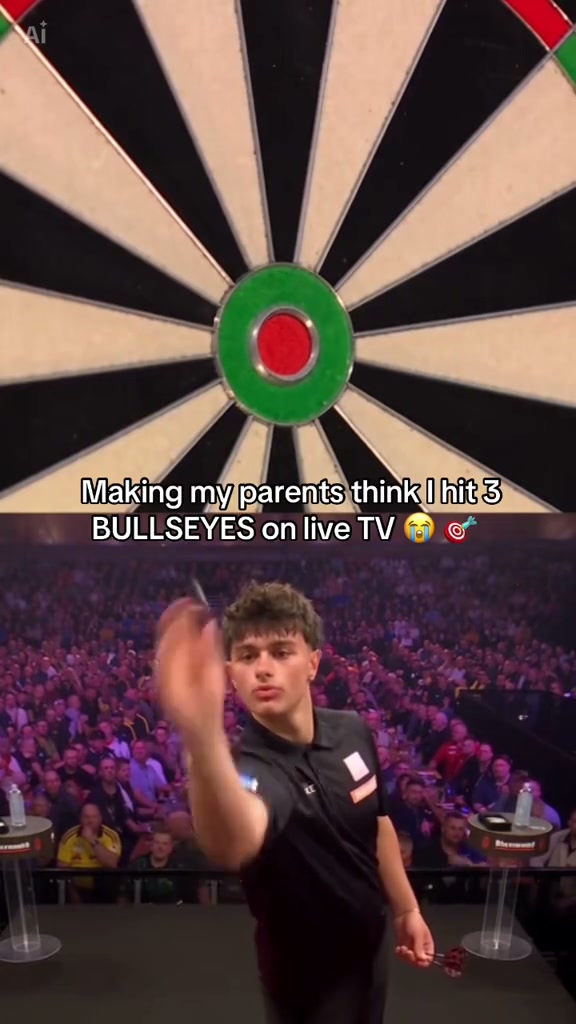
Burning Bridges uses one human selfie in a party scene. Darts 170 uses one full-body player for a 170 checkout on stage. Hotel Lobby replaces the left performer in a two-person setup. Cutting the Branch AI is the flexible fail-prank option because its single Your photo slot can cast either a consenting adult or a pet whose owner has approved the image.
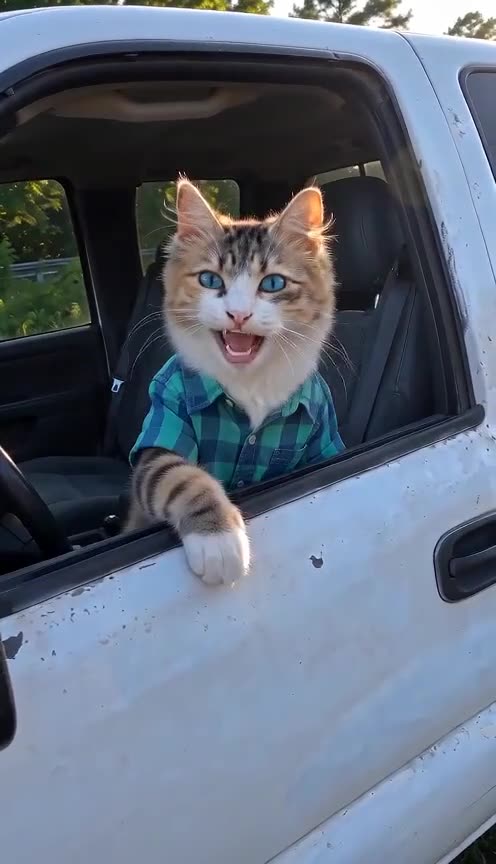
Choose by the source photo you have. A clear pet portrait fits this branch fail or Hit the Road Dude AI; an adult portrait can fit Burning Bridges, Darts 170 or Hotel Lobby. Avoid children and celebrities, get adult consent, and identify the result as AI-generated.
Cutting the Branch AI FAQ
What is Cutting the Branch AI?
Cutting the Branch AI is a one-photo video template based on the branch-cutting proverb and visual meme. It places a person or pet on a thin branch above a river, shows them cutting the branch beneath them, then ends with the branch and subject falling into the water.
How many photos does Cutting the Branch AI need?
It needs one photo in the Your photo slot. Use one clearly visible human or pet, not a group image with several possible subjects.
Can I use a pet in the cutting the branch filter?
Yes. The same slot can use a clear pet photo. Keep the eyes, muzzle, ears and coat markings visible, and use only your own pet or an image the owner has allowed you to use.
How many credits does Cutting the Branch AI cost?
One generation costs 100 credits. The current cost is shown beside the Generate button before you start, so uploading and checking a photo does not begin a render by itself.
What video format will I receive?
The template generates a 10-second vertical 9:16 video at 480p. The completed clip is saved to My Videos for review and download.
Does the Cutting the Branch AI result include sound?
No. The result has no soundtrack. Add music or effects from the licensed audio library in TikTok, Instagram, YouTube or another app when you post.
Do I need to write a prompt or choose the action?
No. The riverside setting, chopping movement, branch snap and fall are pre-configured. You provide the subject photo; the scene and timing stay fixed.
Where did the cutting the branch trend start?
The visual joke comes from the older proverb about not cutting the branch you are sitting on. A cited template-page timeline points to examples from May 9, 2021 on YouTube and December 25, 2023 on X, before AI remakes became visible in late October 2026. The original late-October Instagram Reel has not been verified here.
Can I upload a child or celebrity photo?
No. The service is for adults, and this template should use only consenting adults or pets whose owners approved the image. Do not upload children, celebrities, public figures, strangers or anyone who has not agreed.
Why does my branch fail AI result not look right?
Try a sharper image with one subject, even light and an unobstructed face or muzzle. Remove sunglasses, heavy filters and busy backgrounds, then generate again with the clearer source.
Using Cutting the Branch AI Responsibly
Use Cutting the Branch AI as a clearly fictional, consensual joke. Upload only an adult who agreed to appear or a pet image you are entitled to use. Never use children or celebrities, never present the result as a real accident, and do not imitate the branch-cutting action with real tools, trees or water. Review the clip and label public posts as AI-generated.
More Trending Templates
View all AI video templates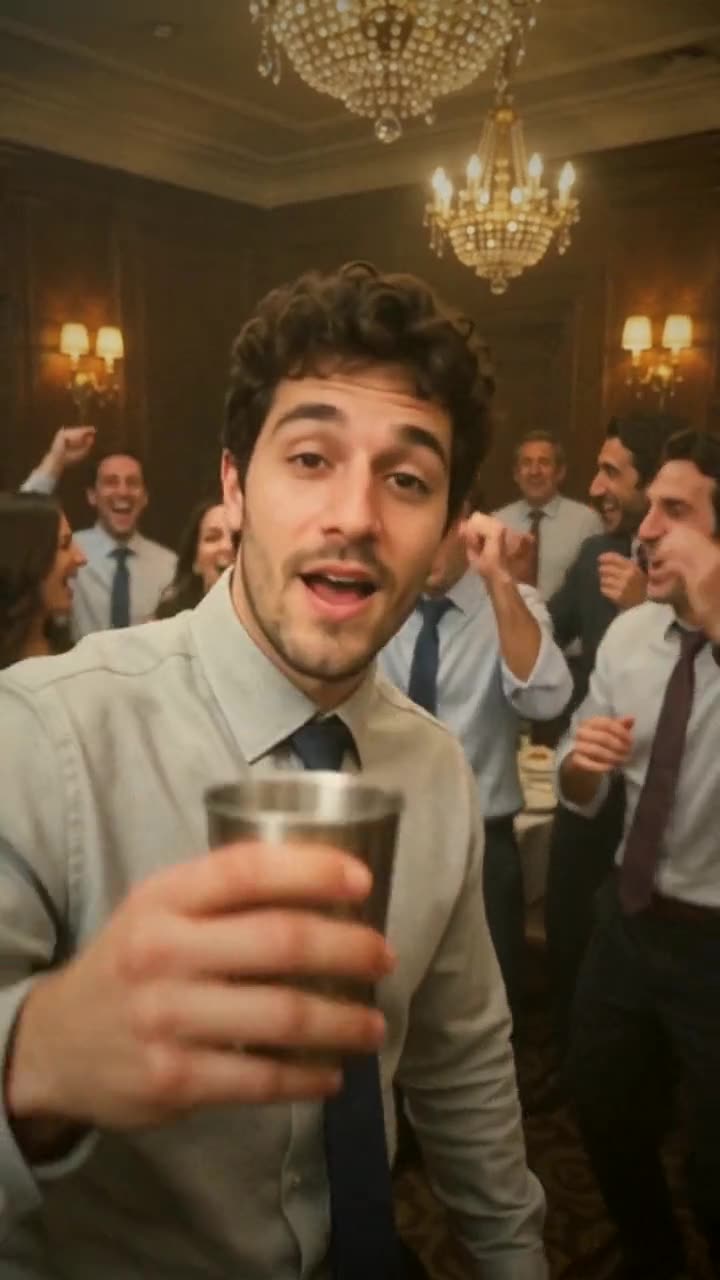

Also try the multi-format image generator, turn a photo into a looping GIF, or make an editable mark with the vector logo tool.
Ready to Make Your Cutting the Branch AI Video?
Choose one clear human or pet photo and turn the old branch warning into a 10-second riverside fail.
Start your clip