
Permission to Cry Sir AI Video Generator
Permission to Cry Sir AI turns one clear person or pet photo into a short salute reaction. The subject appears as a skull-style masked figure in a black hoodie and headphones, salutes before a US flag backdrop, and sheds one tear.
Solo · 1 photo · Vertical 9:16
- 1Cast your characters
- 2Output format
- 3Your video
Permission to Cry Sir AI

A skull-style masked figure in a black hoodie and headphones gives a steady salute before a US flag backdrop as one tear appears. This is the reaction scene recreated by Permission to Cry Sir AI.
Your video
Your completed video will appear here after generation finishes.
How to Make a Permission to Cry Sir AI Video in 3 Steps
Permission to Cry Sir AI is a one-photo reaction template. You do not need to film a salute, build a backdrop or write a prompt. The fixed scene supplies the skull-style mask, black hoodie, headphones, US flag backdrop, salute motion and single tear. Your photo decides who appears in the reaction.
Step 1: Upload Your photo
Choose one clear photo of yourself, another consenting adult or a pet whose image you are allowed to use. Add it to the Your photo slot above. Keep one subject in the frame and make sure the face, hair, outfit or coat markings are visible. A simple background helps Permission to Cry Sir AI identify the intended subject without confusing them with another person or animal.
Step 2: Generate for 100 credits
Check the preview and press Generate. One render costs 100 credits, with the current price shown beside the button before you start. The template replaces only the saluting figure while keeping the mask, hoodie, headphones, flag backdrop, camera, salute and single-tear timing tied to the reference scene. Progress appears on the page, and the completed video is saved to My Videos, so you can leave while it processes.
Step 3: Download your video
Watch the complete result, confirm that the subject remains recognizable and download it from My Videos. The output is a 10-second vertical 9:16 video at 480p with no soundtrack. Add licensed music or a voice line inside the social app where you post. The restrained salute plus one tear creates the Permission to cry sir vibe without needing extra scenes or dialogue.
Photo Requirements: Which Photo Works Best
The Permission to Cry Sir AI filter can begin with a person or pet photo, but it works best when the image gives the model one unmistakable subject. A front-facing or three-quarter view is more useful than a distant group picture. The scene already provides the wardrobe and setting cues, so your upload should focus on identity rather than trying to reproduce the final background.
For a person, choose a recent image with both eyes visible, the hairstyle clear and the face in even light. A waist-up or full-body portrait gives useful outfit and body-shape detail. For a pet, keep the eyes, muzzle, ears and coat markings unobstructed. Avoid pictures where a blanket, costume, furniture or another animal hides most of the outline.
Consent applies before the joke. Use your own photo or one an adult has clearly allowed you to use. Do not upload children, celebrities, public figures, strangers or anyone who has not agreed to appear in an AI-generated reaction. For a pet, use an animal in your care or get permission from its owner.
- Use one person or one pet only, with no second face or animal in the frame.
- Choose a sharp JPEG, PNG or WebP image no larger than 10 MB.
- Use even daylight or soft indoor light and avoid heavy shadows or colored lighting.
- Keep the face, hair or coat markings visible without sunglasses, beauty filters or motion blur.
- Prefer a simple background with clear separation around the head and shoulders.
- Use only a consenting adult or a pet image you have permission to upload; never use children or celebrities.
What Is the Permission to Cry Sir AI Trend and Where Did It Start
The Know Your Meme entry for Permission to Cry, Soldier was added on November 4, 2026. It associates the catchphrase with TikToker @ghostreactings, who performs reactions while dressed in a skull-style Ghost mask and sometimes gives viewers permission to express an emotion. That permission format is the setup behind Permission to Cry Sir AI: a serious salute and a deliberately direct emotional release.
On September 3, 2026, @ghostreactings posted the reaction known as The Last Salute. Know Your Meme reports that it reached about 2.8 million views over the following two months. That is the only view total used here; it describes the cited post rather than every later remake or the broader catchphrase.
The phrase spread more widely in late October 2026 as comments, response videos and parodies repeated the permission-to-cry wording. By early November 2026, AI remakes had become part of that wave. The format works because the masked, disciplined pose contrasts with the single tear, making the emotion legible even when the clip is watched silently.
You may also see the idea called permission to cry soldier, permission to cry sir AI trend, crying salute meme, the last salute meme or permission to cry filter. These names overlap, but individual posts can use different audio, captions or reaction timing. TrendMeIn uses Permission to Cry Sir AI as the template name because it describes the one-photo generator and keeps the core search phrase clear.
The TrendMeIn version avoids coffin, funeral, casket, or cemetery shots; it shows the reaction and salute only.
Related AI Video Templates to Try Next
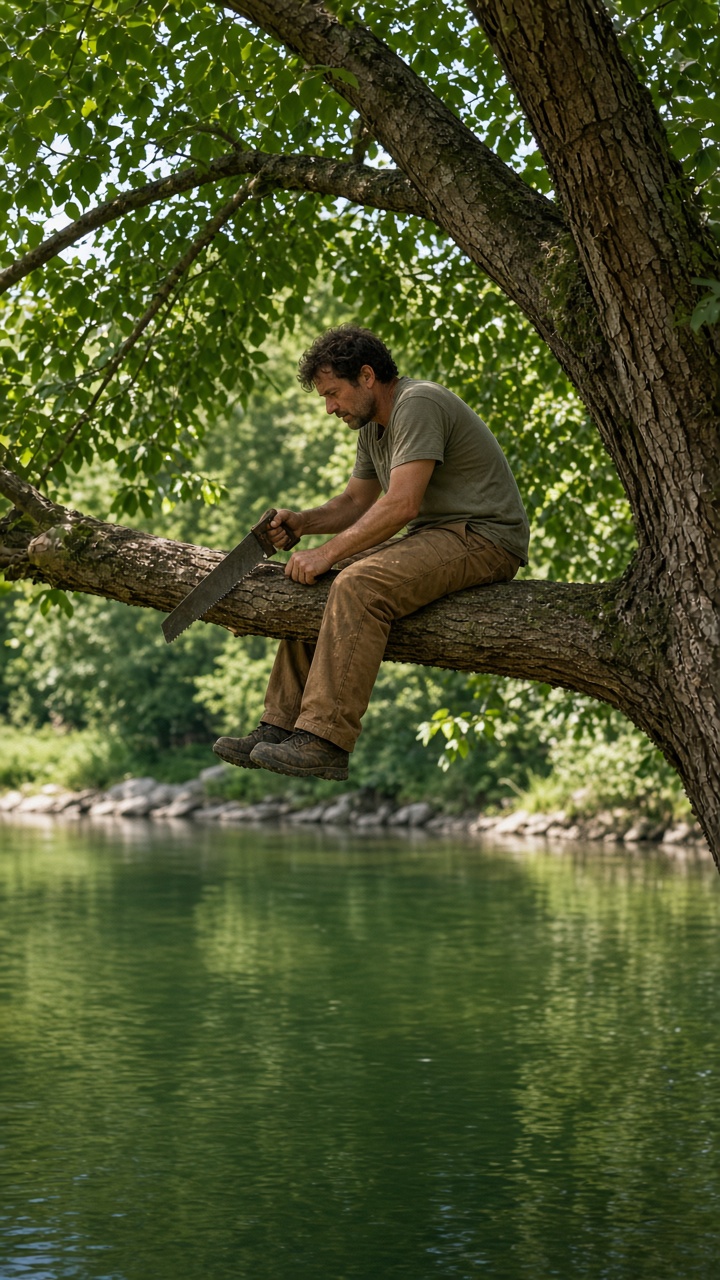
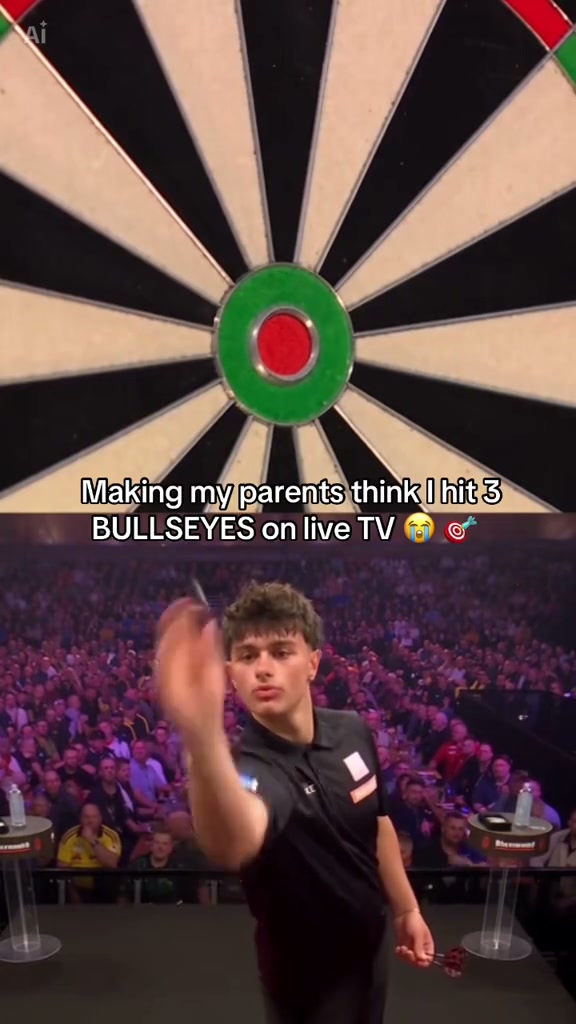
After Permission to Cry Sir AI, try Burning Bridges AI for a dramatic party reaction, Cutting the Branch AI for a one-photo fail prank, or Darts 170 AI for an impossible sports finish. All three use a fixed reference scene, so you choose the subject and generate instead of writing a detailed video prompt.
Burning Bridges AI is the closest choice when you want a human reaction in a crowded setting. Cutting the Branch AI accepts a person or pet and turns the source into a visual joke. Darts 170 AI works best with a full-body player photo and follows a precise three-throw sequence. Pick the next template by the photo you already have and the tone you want to share.
Permission to Cry Sir AI FAQ
What is Permission to Cry Sir AI?
Permission to Cry Sir AI is a one-photo video template that casts your person or pet as a masked figure giving a salute before a US flag backdrop. The fixed reaction ends with one visible tear.
How do I make a Permission to Cry Sir AI video?
Upload one clear photo to the Your photo slot, press Generate, wait for the result to appear in My Videos, review it and download the finished vertical clip. The scene is pre-configured, so you do not need to write a prompt.
How many credits does Permission to Cry Sir AI cost?
One generation costs 100 credits. Uploading and checking the photo are free; the page shows the current credit cost before you press Generate.
Does Permission to Cry Sir AI include sound?
No. The 10-second result has no soundtrack. Add licensed music, narration or effects in TikTok, Instagram, YouTube or another app after downloading.
Can I use a pet photo?
Yes. Use one clear pet with the eyes, muzzle, ears and coat markings visible. Upload only an animal in your care or a photo its owner has allowed you to use.
Where did the Permission to Cry Sir trend start?
Know Your Meme associates the phrase with TikToker @ghostreactings and records The Last Salute on September 3, 2026. The catchphrase spread in late October, and AI remakes appeared by early November 2026.
What else is the Permission to Cry Sir AI trend called?
Common names include permission to cry soldier, crying salute meme, the last salute meme and permission to cry filter. They refer to related versions of the same permission-and-reaction format.
What video format will I receive?
The template creates a 10-second vertical 9:16 video at 480p. The completed result is saved to My Videos for review and download.
Can I use a child, celebrity or stranger photo?
No. Use only your own image, another consenting adult or a pet image you have permission to upload. Do not use children, celebrities, public figures or strangers.
Using Permission to Cry Sir AI Responsibly
Use Permission to Cry Sir AI as a clearly fictional, consensual reaction. Upload only your own photo, a consenting adult or a pet image you are allowed to use. Never use children, celebrities, public figures or strangers. Review the full result, label public posts as AI-generated and do not present the clip as a real personal or military event.
More Trending Templates
View all AI video templates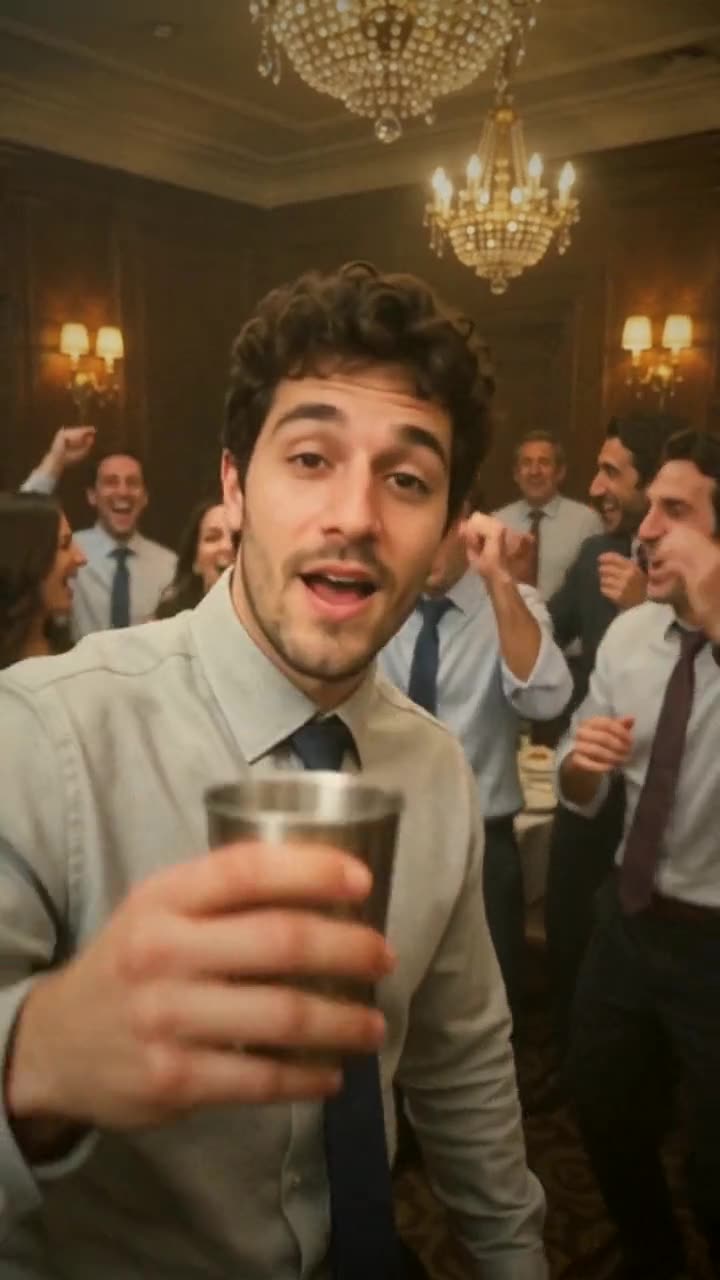
Also try the multi-format image generator, turn a photo into a looping GIF, or make an editable mark with the vector logo tool.
Ready to Make Your Permission to Cry Sir AI Video?
Choose one clear person or pet photo and create a 10-second salute reaction with Permission to Cry Sir AI.
Start your clip